


Step 10
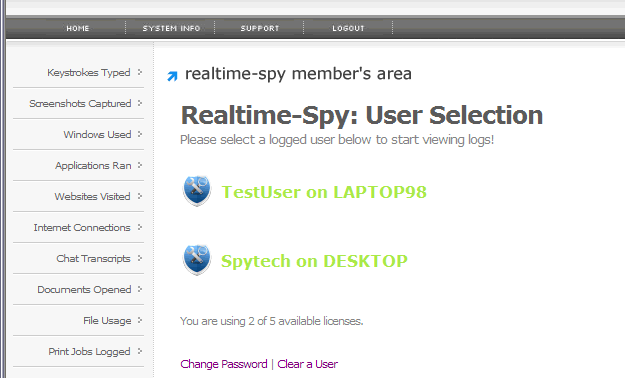
You will be presented with your Realtime-Spy webspace. Here you can select and view users that were logged with the file you sent out.
Note: Users will only appear after they have downloaded and executed the file you have sent them.
If you have any questions, please contact us here.
Step: [ 1 ] - [ 2 ] - [ 3 ] - [ 4 ] - [ 5 ] - [ 6 ] - [ 7 ] - [ 8 ] - [ 9 ] - [ 10 ]
[an error occurred while processing this directive]