


Step 1
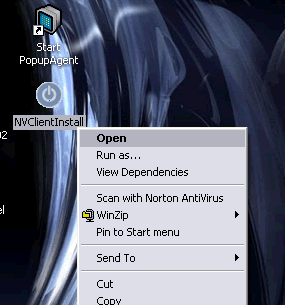
Your first step is to copy the NVClientInstall.exe file to a PC you want to start monitoring. Once you have the file on the PC - double click the NVClientInstall.exe icon to start the install (or right click on it - then select Open)
NOTE: After install is complete you can delete this file
Step: [ 1 ] - [ 2 ] - [ 3 ] - [ 4 ] - [ 5 ] - [ 6 ] - [ 7 ] - [ 8 ] - [ 9 ] - [ 10 ]
[an error occurred while processing this directive]